The full tour
Every shelf, examined.
No vague promises — here is exactly what Scalino does today, and how. Everything on this page ships in the app right now.
N°01 — The bookcase
A folder in, a library out.
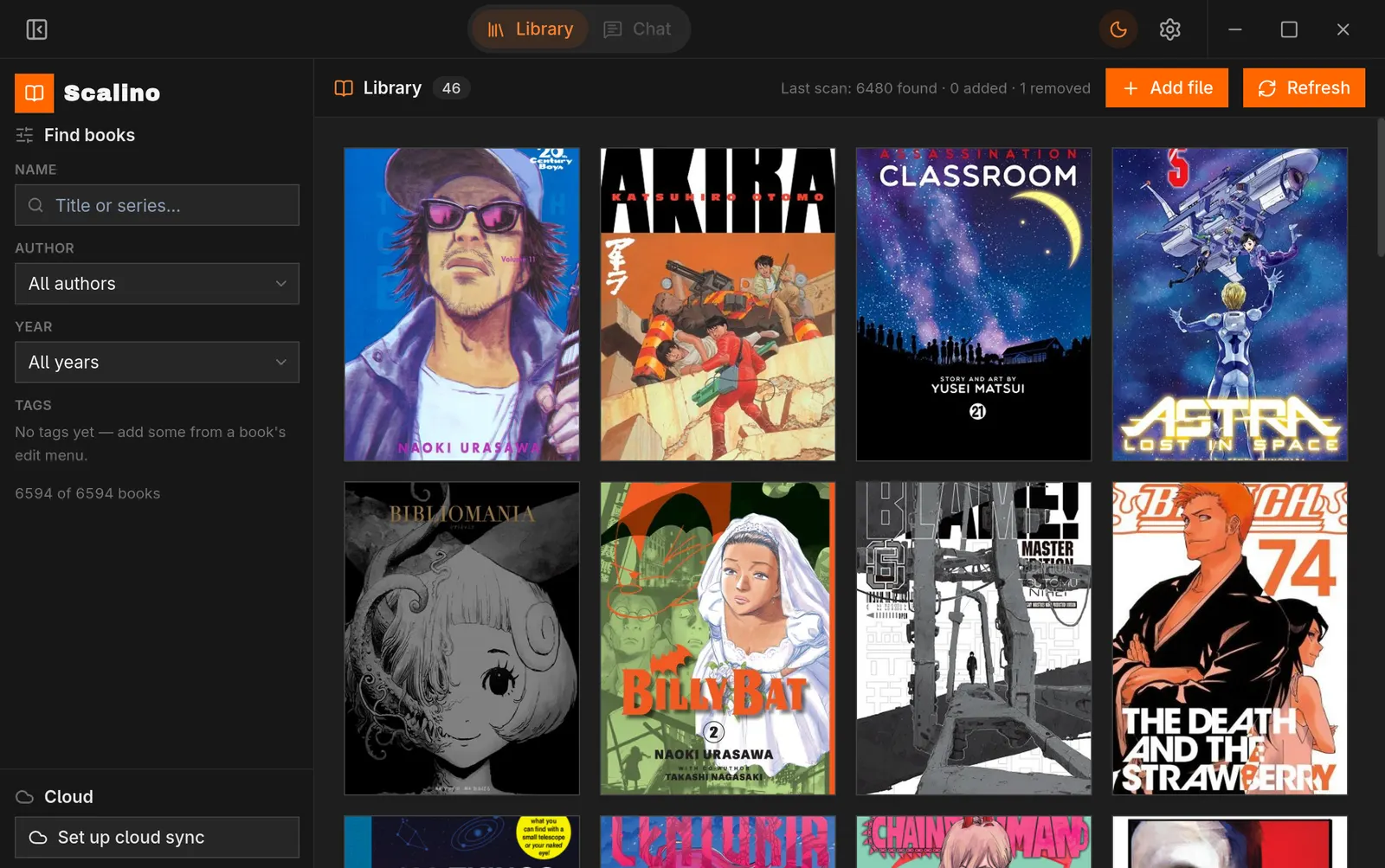
Point Scalino at any folder — the default is
~/Library — and it
scans recursively for PDF, EPUB and CBZ files. Every book gets a generated
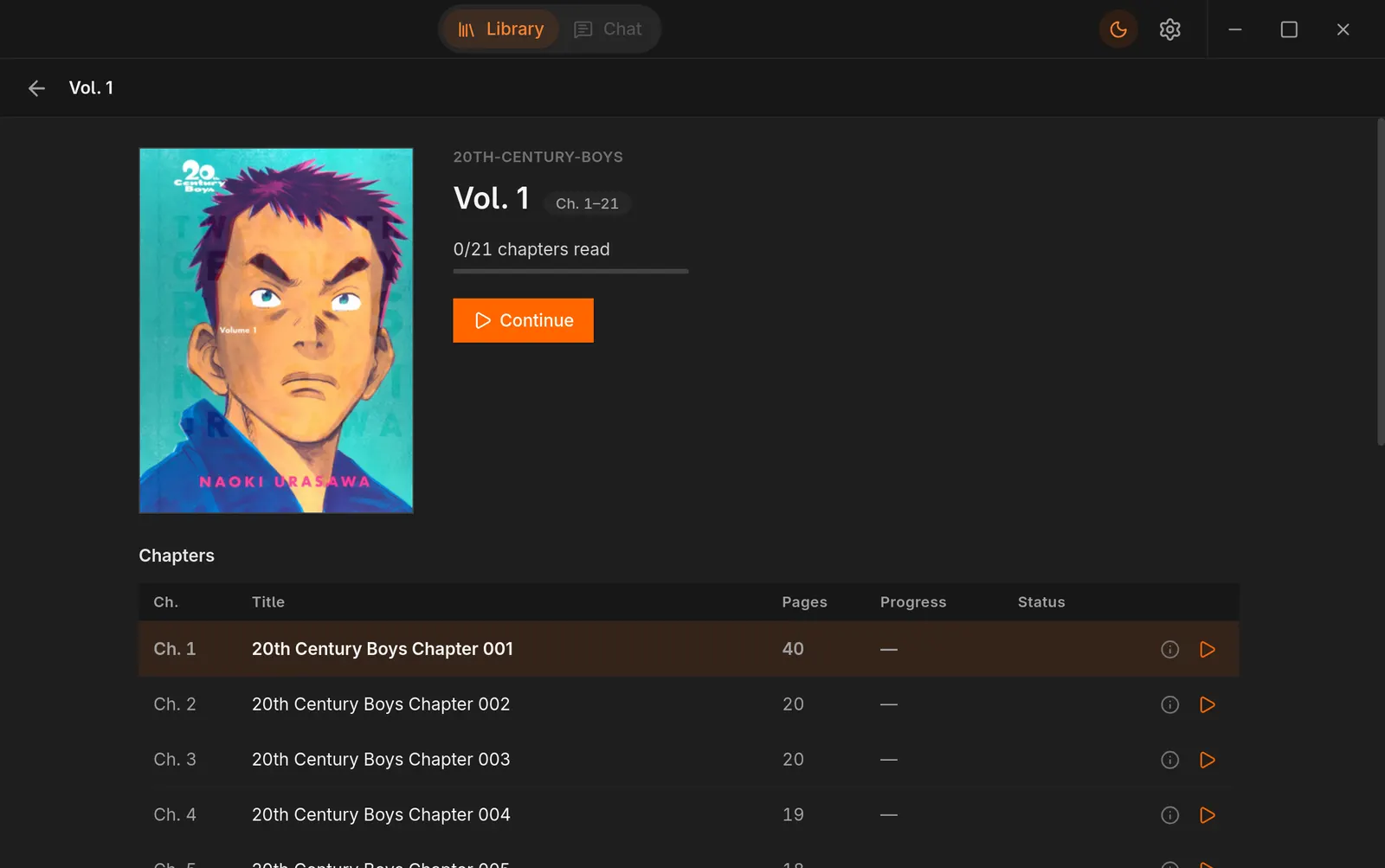
cover thumbnail, parsed into series and volume/chapter order, and shelved
in a responsive grid.
Collections group series your way; a scan on startup (or a manual refresh) keeps the shelf honest as files come and go. Books with saved progress wear a Continue badge — one click puts you back on the page.
- — PDF · EPUB · CBZ, all first-class citizens
- — Natural sort across hundreds of chapters
- — Everything indexed in a local SQLite database
N°02 — Readers
Three formats, one calm reader.
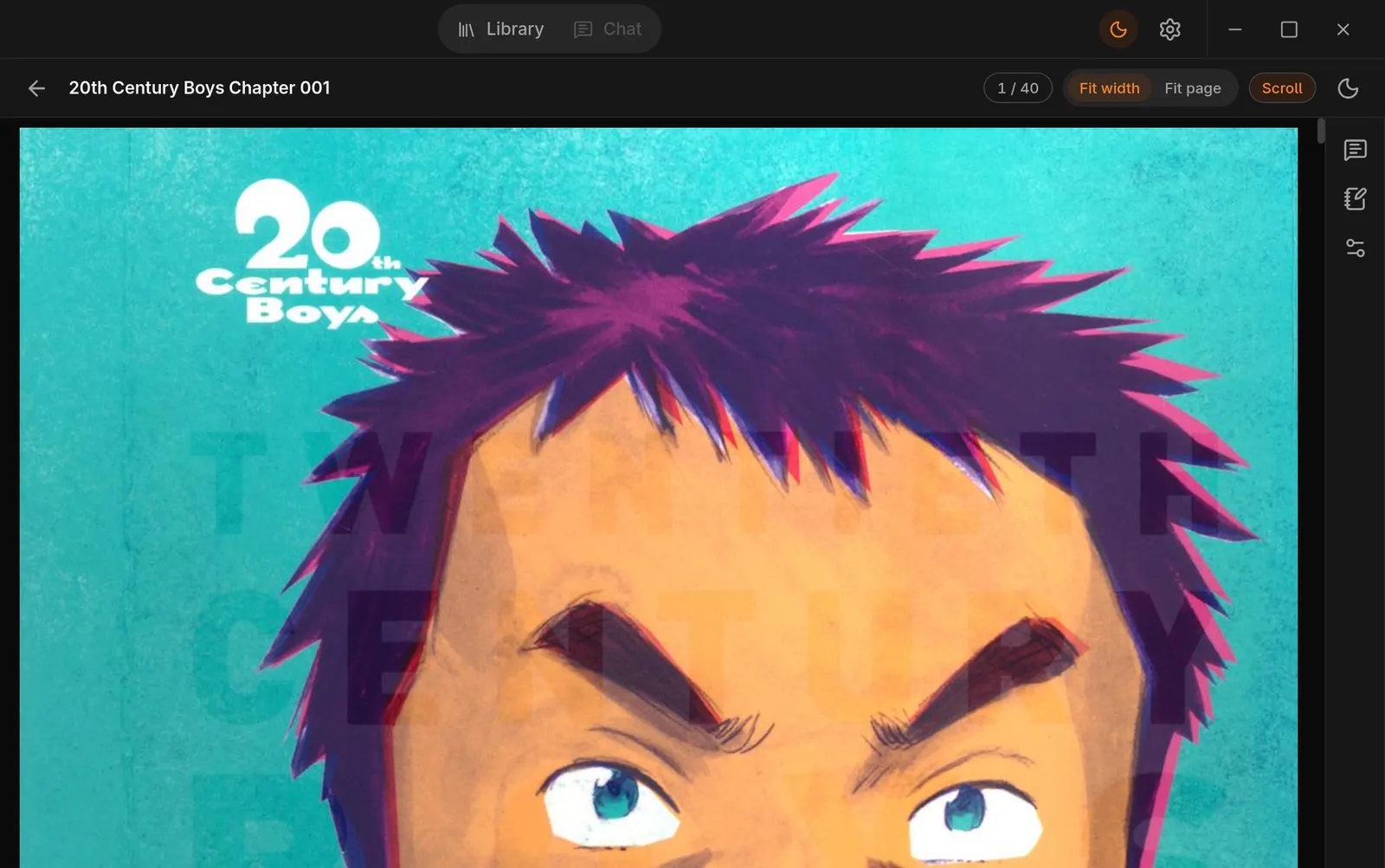
- PDF — rendered, not wrangled
- Pages are rasterized by a native PDFium worker, so manga art stays crisp at any zoom. Page navigation, fit modes, pinch zoom.
- EPUB — paged or scrolled
- Powered by epub.js with your choice of paged or scrolled reading, table of contents, and precise CFI bookmarks — your position is remembered to the sentence.
- CBZ — comics as they are
- Straightforward comic archive reading with the same tap zones and zoom as everything else.
Shared everywhere: tap zones for page turns, pinch zoom, and a focus mode that clears the deck down to the page. The reader keeps its own light/dark/sepia theme, independent of the app around it.
N°03 — Sync
Your Drive. A folder you can see.
Sign in with Google (optional!) and Scalino works with a real, visible Library folder on your Drive — not a hidden app-data vault. You can open it at drive.google.com, browse it, download from it, delete it. Your books.
Desktop pushes
Books and covers you add on the desktop upload automatically. Scope is limited to Scalino’s own files — the app can’t rummage through the rest of your Drive.
Android pulls on demand
Your phone sees the whole shelf but downloads a book only when you open it — a 2,000-volume library costs you the storage of the one volume in your hand.
N°04 — Metadata & reading state
Position, notes, progress — converged.
Alongside your book files, Scalino keeps one compact metadata database in that Drive folder. Reading positions, notes, tags, series edits and even your companion chat history sync through it — so every device agrees on where you are.
Conflicts don’t clobber: merge decisions happen per field — the newest reading position wins, while a note you typed on the phone survives a simultaneous reading session on the desktop. And because the database is a single file, a brand-new device bootstraps a complete library in one download, not thousands.
N°05 — AI companion
Ask the chapter you’re in.
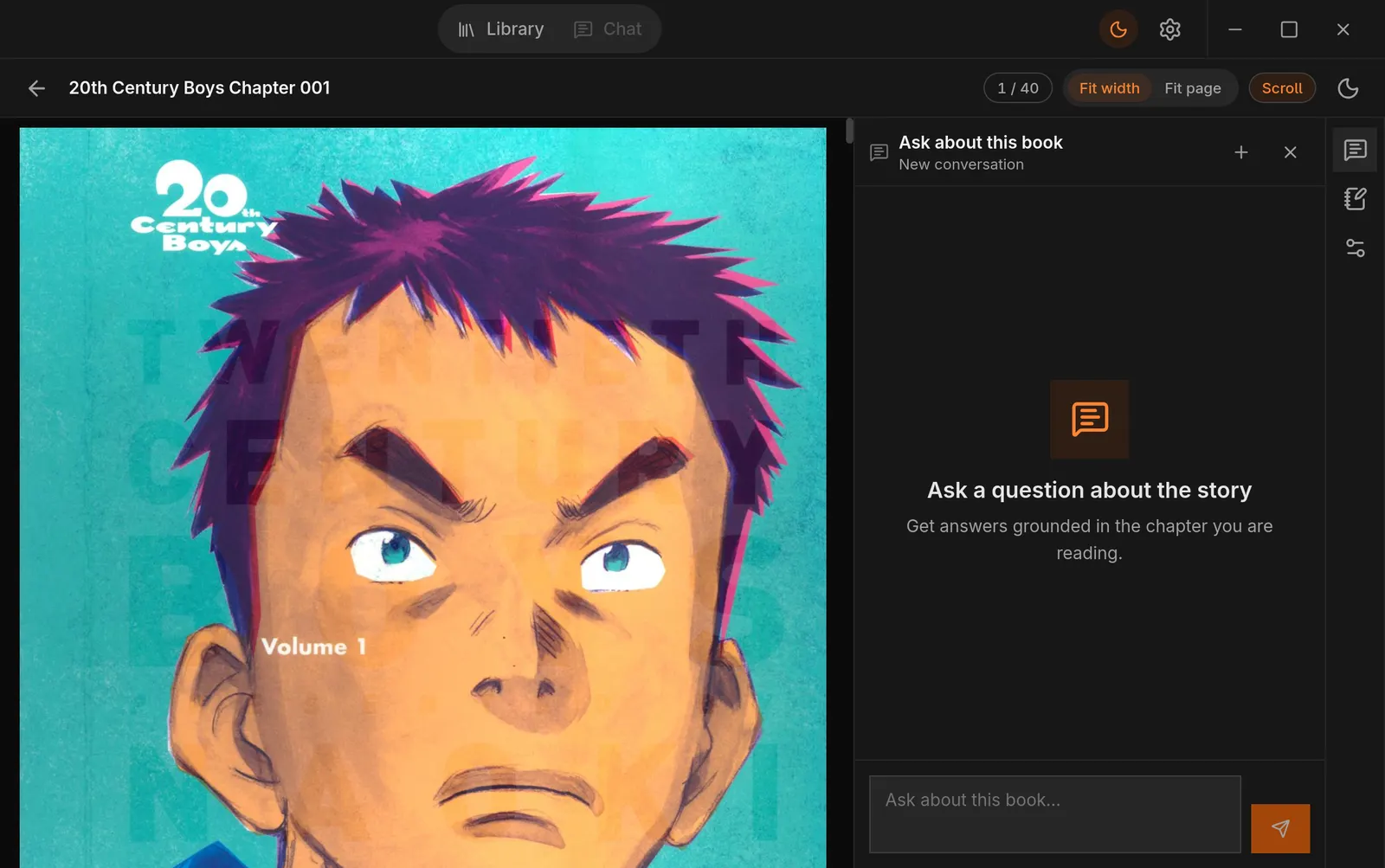
While reading, a chat panel can answer questions about the story — “who is this character again?”, “what did that note mean?”. Scalino injects a snippet of the current chapter as context, capped so your prompt stays small and your question stays on-topic.
There is no Scalino AI service. You configure any OpenAI-compatible provider — a hosted model or a local server on your own machine — and the API key is stored in your OS keyring, never in app storage. No provider configured? The panel simply stays quiet.
N°06 — MCP server
Your library, queryable.
Scalino ships with a built-in Model Context Protocol server. AI assistants on your machine can read your library’s metadata and reading state: what you’re reading, which page you stopped on, where the file lives, your notes.
It runs locally, as part of the app — a natural fit for the same assistants that already run your tools. “Pull up what I was reading last night” stops being a memory game.
→ notes_md: “the ferry = the alibi…”
→ path: ~/Library/Steel Harbor/…
N°07 — Appearance engine
Dressed the way you read.
Seven curated themes plus a custom accent picker, light/dark/system mode, and a UI font scale — applied live, persisted, and independent of the per-book reader theme (the content stays content; the shell is yours).
That’s the honest tour.
Everything above is in the app today. Take it for a spin.